Upload Your MP3 File
Upload or drag and drop your audio file. We support MP3 and other mainstream audio formats for a seamless transcription process.

Convert MP3 to SRT format for free online
Drag and drop file here
— OR —
Supports files up to 3 hours or 2GB
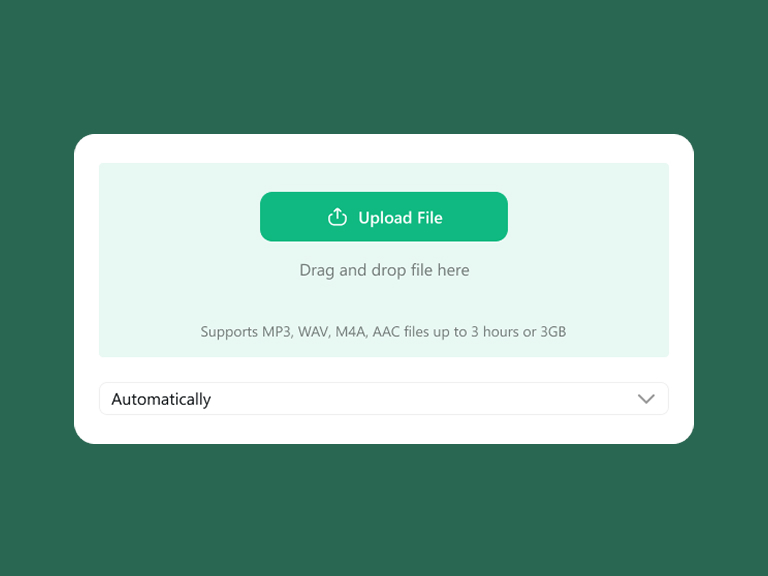
Upload or drag and drop your audio file. We support MP3 and other mainstream audio formats for a seamless transcription process.
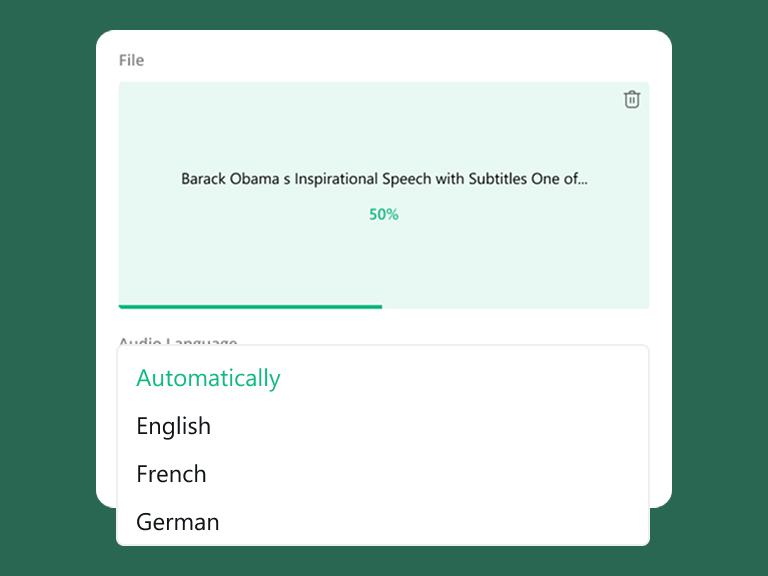
Choose the specific language spoken in your audio to optimize accuracy. Our advanced AI will process the file and instantly generate text with precise timestamps.
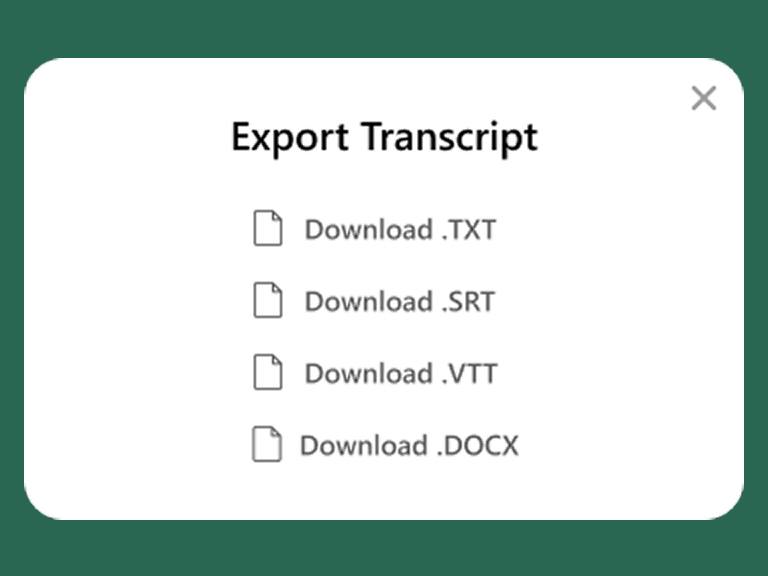
Once the transcription is complete, click the export button to download your .srt file directly. Your subtitle file is ready for use in minutes.

Perfect for YouTubers, vloggers, and content creators. Easily convert MP3 to SRT to generate accurate captions for your social media videos, expanding your reach and boosting audience engagement.

Transform recorded business conferences, interviews, or webinars into structured subtitle files. This ensures key professional insights are documented with precise timeframes, making video archives easier to review.
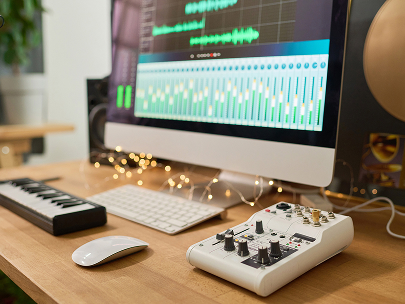
Streamline your post-production workflow. For podcasters and audio editors, turning speech into timed SRT files makes translating, editing, and syncing cross-language subtitles faster and more precise.

Ideal for students, researchers, and journalists. Turn lecture recordings, dictations, or research interviews into searchable text documents with accurate timestamps, simplifying your study and data analysis.
Powered by advanced speech recognition technology, our MP3 to SRT transcriber ensures exceptional accuracy when you convert MP3 to subtitle. It intelligently distinguishes background noise from clear speech, capturing every word to generate seamless captions with precise timing.
No matter what language your audio is in, we have you covered. Our AI transcriber supports over 100 languages and regional dialects, making it incredibly easy to generate SRT subtitle for MP3 files from worldwide audiences or localized media projects.
Your privacy is our top priority. All uploaded audio files and generated transcripts in our MP3 to SRT transcriber are protected with end-to-end SSL encryption. Your data is processed in a strictly secure, ad-free environment and will never be leaked or used for other purposes.
Enjoy ultimate versatility in your workflow. We accept multiple audio inputs including MP3, WAV, M4A, and AAC. Once processed, you can instantly generate .srt subtitle files, or choose from alternative popular formats like TXT, VTT, and DOCX to fit your specific needs.
A clean, lightweight version of your audio to text results. Best for quick copy-pasting into emails, Slack, or internal notes.
Features millisecond-level timestamps. The go-to format for adding video subtitles to YouTube, TikTok, and professional editing suites.
Designed for HTML5 players and e-learning platforms. Ideal for web-based video hosting that requires advanced text rendering.
Maintains a structured layout for further editing. Perfect for formal business minutes, legal filings, and academic research.
Manually listening to audio and typing out precise start and end times for every single sentence is incredibly tedious and takes hours of meticulous work.
Writing a standard SRT file manually requires strict adherence to line numbering and arrow formatting. A single syntax error can break your entire subtitle track.
Human transcribers easily experience fatigue, leading to misspelled words and drifted timestamps that cause audio and video to go out of sync.
Hiring professional subtitlers involves high per-minute rates and long turnaround times, often delaying your content publishing schedule.
Skip the manual time-coding. Our advanced AI automatically syncs speech with the exact millisecond, making it effortless to convert MP3 to subtitle with flawless timing.
No formatting knowledge needed. With just one click, you can generate .srt subtitle files that are perfectly formatted and ready to upload to any video platform immediately.
Powered by machine learning, our tool maintains stable, high-level accuracy throughout the entire audio, eliminating typos and reducing the need for manual correction.
Generate subtitle for MP3 in mere minutes at a fraction of the cost. Supercharge your video production workflow and publish your content without the wait.