1. Upload Your Audio
Upload or drag and drop audio files, or use a URL with our YouTube Transcript Generator. Supports MP3, WAV, M4A, and AAC up to 3 hours or 3GB.

Transcribe any audio to text efficiently with online AI transcription tool. No installation required.
Drag and drop file here
— OR —
Supports files up to 3 hours or 2GB
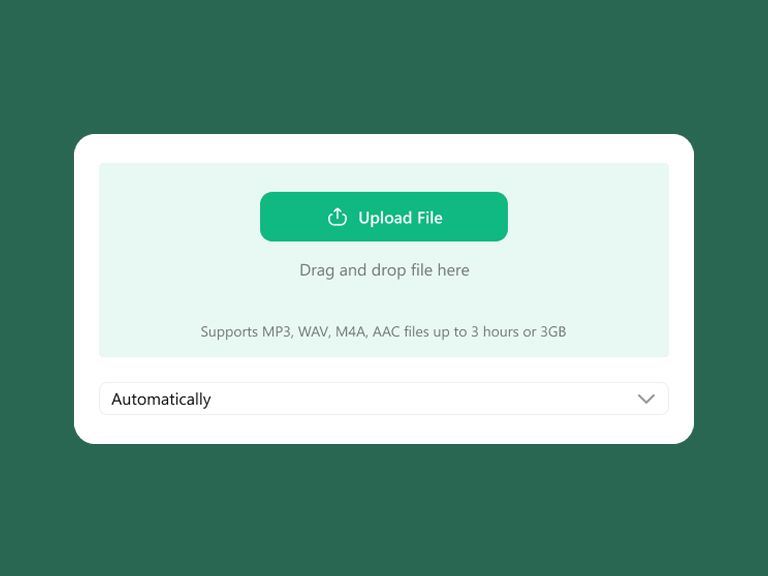
Upload or drag and drop audio files, or use a URL with our YouTube Transcript Generator. Supports MP3, WAV, M4A, and AAC up to 3 hours or 3GB.
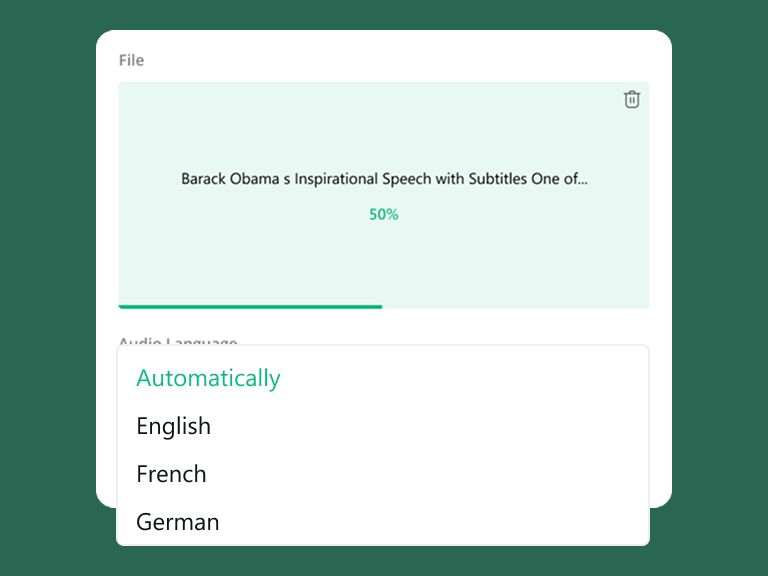
Our AI will automatically detect your audio language. You can also manually select from 100 supported languages for better accuracy.
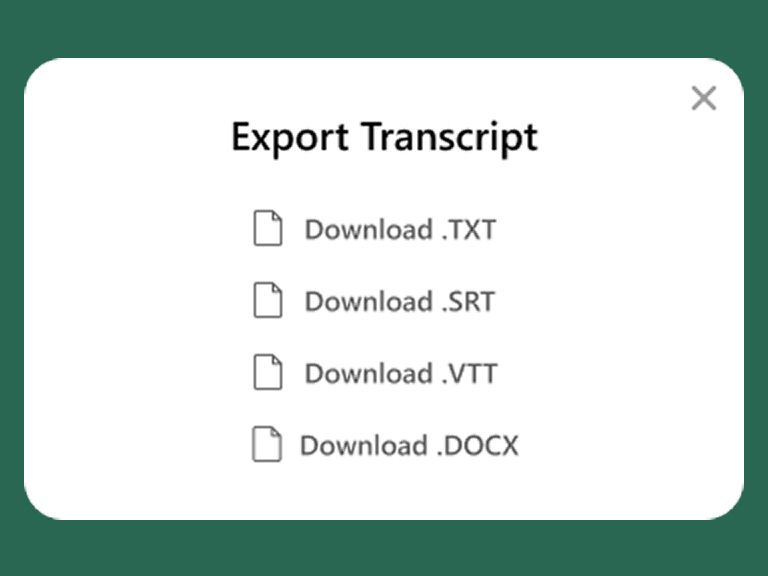
Get your transcript in minutes. You can copy directly or export as TXT,SRT,VTT or DOCX format as you need.
Powered by state-of-the-art AI, we deliver near-perfect audio to text conversion. Even with complex terminology or varying speaking speeds, our engine ensures your records are professional and reliable.
Break down language barriers instantly. Whether you need to transcribe meetings in Spanish, French, or Mandarin, our tool recognizes 100+ languages and regional dialects with extreme cultural nuance.
Don't let poor audio quality hold you back. Our advanced algorithms excel at filtering background noise in cafes, busy streets, or echoey meeting rooms, focusing strictly on the human voice for a cleaner transcript.
Every word is pinned to a precise moment. Our built-in timestamps provide a granular chronological reference, making it easy to audit your transcripts against the original audio for 100% verification.
Speed up your content workflow. Once the AI finishes, you can immediately export your video subtitles in SRT format or download meeting notes as Word/TXT. Ready for publishing or sharing in seconds.
Your data is your business. Every file you upload to transcribe interviews or meetings is fully encrypted. We follow strict security protocols to ensure your confidential information is never accessed or shared.
Choose your preferred transcription option and get started immediately
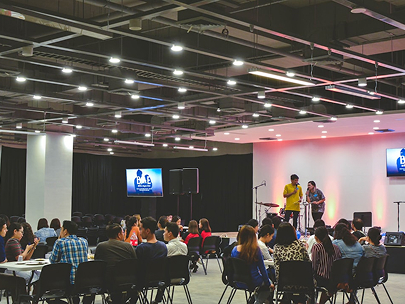
Our lecture transcription service turns academic recording to text, making it easier for students and educators to review concepts and study effectively.

Generate high-quality audio to captions and export SRT files instantly. Perfect for YouTube, TikTok, and professional editing.
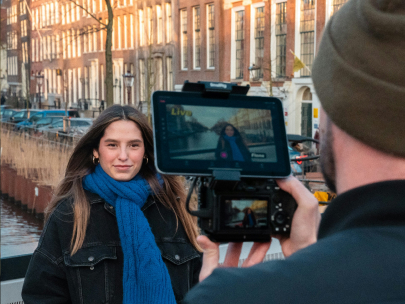
Focus on the story, not the typing. Our AI helps journalists and researchers interview transcription with 99% precision and millisecond timestamps.
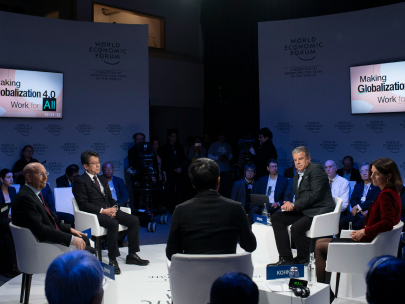
Capture every decision from Zoom, Teams, or boardrooms. Use meeting transcription to turn hours of discussion into reliable text records.
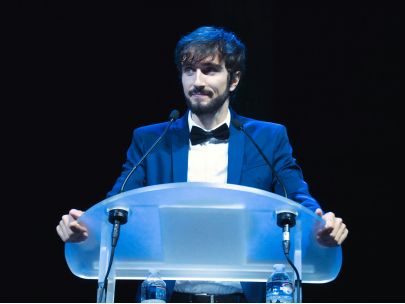
Transform any spoken word into digital text instantly. Our speech to text technology is optimized for clarity and speed, making it the ideal solution for dictation, voice notes, and live recordings.
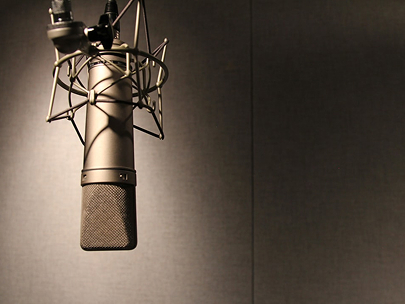
Transform your episodes into blogs or newsletters. Our podcast transcription tool handles long-form audio with ease, helping you reach a wider audience and boost your content's SEO.
A clean, lightweight version of your audio to text results. Best for quick copy-pasting into emails, Slack, or internal notes.
Features millisecond-level timestamps. The go-to format for adding video subtitles to YouTube, TikTok, and professional editing suites.
Designed for HTML5 players and e-learning platforms. Ideal for web-based video hosting that requires advanced text rendering.
Maintains a structured layout for further editing. Perfect for formal business minutes, legal filings, and academic research.
Time is money. Our AI processes your audio to text up to 10x faster than the recording duration, delivering a full transcript in just minutes.
We support all major file formats (MP3, WAV, M4A, MP4, MOV). Our engine maintains high accuracy even when working with high-bitrate professional recordings.
Access your meeting transcription records anytime, anywhere. Your files are stored in a highly secure, encrypted cloud environment for easy management.
No steep learning curve. Our intuitive design allows you to transcribe meetings and interviews with just a few clicks—no technical skills required.
"I've tried several AI tools, but the audio to text accuracy here is on another level. It captured technical terms in my medical interview perfectly without any manual corrections needed."
"I recorded a street interview with quite a bit of background noise and was worried the transcript would be a mess. Surprisingly, the AI filtered the noise and delivered a crystal-clear interview transcription. Highly impressed!"
"Simple, intuitive, and lightning-fast. Best meeting transcription tool I've used this year."
"Transcribing my long-form lectures used to take days. Now it's a coffee break task."
"I've tried several AI tools, but the audio to text accuracy here is on another level. It captured technical terms in my medical interview perfectly without any manual corrections needed."
"I recorded a street interview with quite a bit of background noise and was worried the transcript would be a mess. Surprisingly, the AI filtered the noise and delivered a crystal-clear interview transcription. Highly impressed!"
"Simple, intuitive, and lightning-fast. Best meeting transcription tool I've used this year."
"Transcribing my long-form lectures used to take days. Now it's a coffee break task."
"As a content creator, the video subtitle generator saved me hours. Being able to export professional SRT files directly into Premiere Pro is a total game-changer for my workflow."
"The timestamps make it so easy to cross-reference my recordings. No more endless rewinding to find that one specific quote!"
"Transcribing my long-form lectures used to take days. Now it's a coffee break task."
"Clear, crisp, and professional transcripts every single time."
"As a content creator, the video subtitle generator saved me hours. Being able to export professional SRT files directly into Premiere Pro is a total game-changer for my workflow."
"The timestamps make it so easy to cross-reference my recordings. No more endless rewinding to find that one specific quote!"
"Transcribing my long-form lectures used to take days. Now it's a coffee break task."
"Clear, crisp, and professional transcripts every single time."
"Finally, a tool that actually handles non-native accents! We use it to transcribe meetings for our global team, and the 100+ language support is incredibly reliable."
"Simple, intuitive, and lightning-fast. Best meeting transcription tool I've used this year."
"Clear, crisp, and professional transcripts every single time."
"I've tried many speech-to-text apps, but this one is the most consistent with punctuation and sentence structure."
"Finally, a tool that actually handles non-native accents! We use it to transcribe meetings for our global team, and the 100+ language support is incredibly reliable."
"Simple, intuitive, and lightning-fast. Best meeting transcription tool I've used this year."
"Clear, crisp, and professional transcripts every single time."
"I've tried many speech-to-text apps, but this one is the most consistent with punctuation and sentence structure."
"Fast and secure. Exactly what I needed for my legal depositions."
"Transcribing my long-form lectures used to take days. Now it's a coffee break task."
"I've tried many speech-to-text apps, but this one is the most consistent with punctuation and sentence structure."
"I use it for all my Zoom recordings. The timestamps are a lifesaver when I need to jump back to a specific quote."
"Fast and secure. Exactly what I needed for my legal depositions."
"Transcribing my long-form lectures used to take days. Now it's a coffee break task."
"I've tried many speech-to-text apps, but this one is the most consistent with punctuation and sentence structure."
"I use it for all my Zoom recordings. The timestamps are a lifesaver when I need to jump back to a specific quote."