1. Upload Audio Track
Upload or drag and drop your video's audio track. We support audio files in MP3/WAV/M4A/AAC format for up to 3 hours or 3GB.

Add subtitles to videos with powerful AI transcriber
Drag and drop file here
— OR —
Supports files up to 3 hours or 2GB
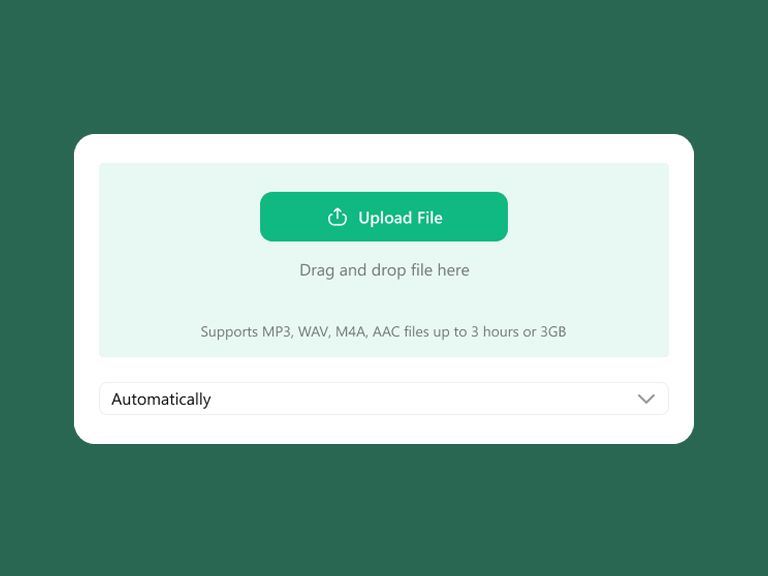
Upload or drag and drop your video's audio track. We support audio files in MP3/WAV/M4A/AAC format for up to 3 hours or 3GB.
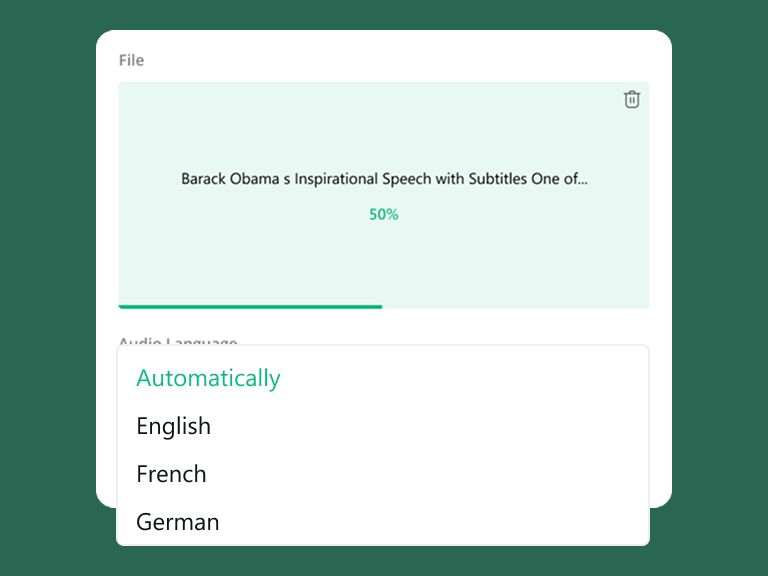
Our AI will automatically detect your track language. You can also manually select from 100+ supported languages for better accuracy.
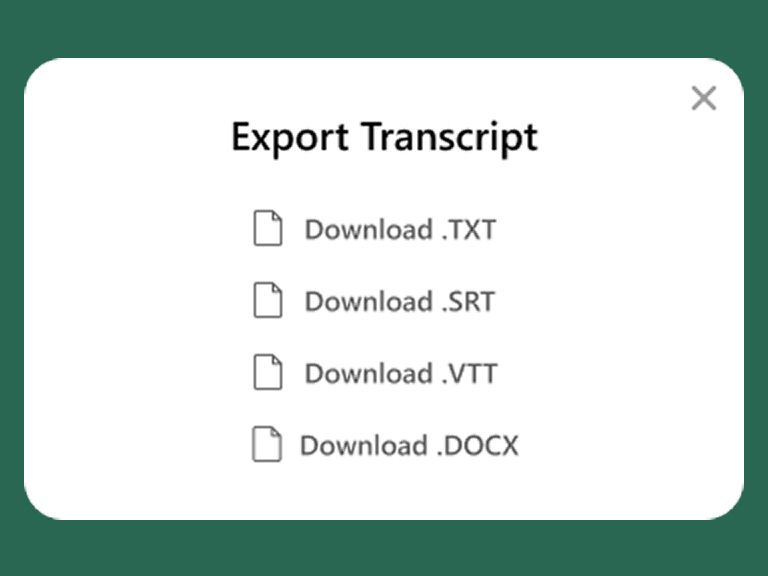
Get your transcription in minutes with timestamps. You can export subtitles in SRT, VTT or TXT, DOCX if you need.
Scale your video impact across borders with precise, time-synced captioning.
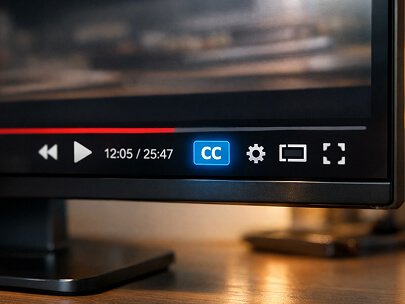
Ensure your video is accessible to native speakers across different regions by capturing specific local accents and dialects perfectly. By adding accurate subtitles in the video's original language, you help viewers follow the dialogue clearly, regardless of regional pronunciations or background noise.
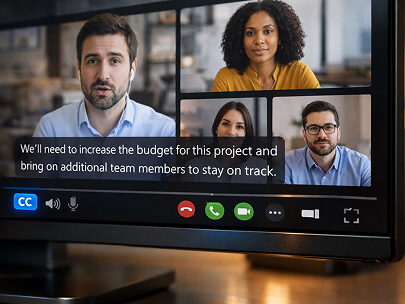
Transform long-form webinar recordings into structured, captioned videos. Adding subtitles ensures that key takeaways from industry experts are captured visually, making the content easier to follow for participants in noisy environments or those who prefer to watch on mute.
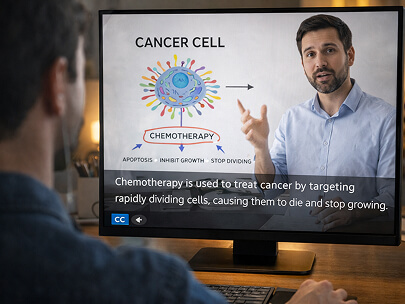
Support your students and trainees by providing clear, synchronized text for every lesson. Subtitles in educational videos improve the comprehension of complex technical terms and provide essential accessibility for non-native speakers and hard-of-hearing learners.

Most social media users watch video ads without sound. By integrating professional subtitles into your commercials, you ensure your brand message is delivered instantly through text, preventing potential customers from scrolling past your content due to silence.
Our AI doesn't just transcribe words; it calculates the exact start and end times for every spoken sentence. This ensures that your subtitles align perfectly with the speaker's voice in the video, eliminating the frustrating 'lag' often found in manual captioning or lower-tier tools.
We support the recognition of over 1,000 languages and regional accents. From fast-paced professional jargon to specific local pronunciations, our engine delivers up to 99% accuracy, ensuring that the text on screen is an authentic reflection of the video's spoken content.
We understand the sensitivity of commercial ads and corporate webinars before they go live. All audio uploads are encrypted via SSL protocols, and your data is processed in a secure environment. Your content is never used for external training, ensuring your creative work stays within your team.
After the AI processes your audio, you can instantly download your subtitles in SRT or VTT formats. These universal files are fully compatible with YouTube, Facebook, and professional editing suites like Adobe Premiere Pro or Final Cut Pro, making your post-production workflow smoother than ever.
Capturing speech as text ensures your story is heard even on mute. Perfect for social media clips, Vlogs, and short-form content where quick engagement is key.
Stop manual typing and timeline dragging. Simply upload your audio, get synced SRT/VTT files, and import them directly into Premiere Pro or Final Cut.
Professional subtitles make your brand message instant and accessible. Ensure your key selling points aren't missed by mobile users watching without sound.
Typing out every word and manually aligning text to the video timeline can take hours for a simple 10-minute clip.
Human error often leads to subtitles that lag or appear too early, frustrating viewers and looking unprofessional.
Spending hours on the play-pause-type cycle drains creative energy and delays your video publishing schedule.
Formatting SRT or VTT files manually is tedious and prone to syntax errors that break video player compatibility.
Turn your video's audio into a full transcript in minutes, regardless of the recording's length.
Our AI perfectly anchors every sentence to the correct timestamp, ensuring flawless audio-visual alignment.
Automate the boring parts of video editing so you can focus on storytelling and creative transitions.
Download industry-standard subtitle files instantly, ready to be uploaded to streaming websites.